
How to Search Cameron County Court Records
The first step is to name the case type. District court files such as felonies, divorces, family cases, and large civil suits sit with the District Clerk. County court at law misdemeanors, county civil cases, probate, and marriage records sit with the County Clerk. Property and official records also go through the County Clerk. Once you know which clerk holds the file, you pick the matching portal. The District Clerk page links several judicial tools: a Tyler public portal, a Kofile quick link, the statewide re:SearchTX site, and iDocket for calendars. The County Clerk runs the official records search for deeds, plats, liens, and minutes.
Have a few things ready before you start. A full name helps, and a cause number helps more. A date range cuts down on common-name matches. Cameron County is large, so a surname-only search can pull many unrelated people. The county also pulls these tools onto one web portals page, which is a safe place to begin when you are unsure where a record lives.
The Tyler Odyssey public portal is the county-hosted case search for many court files. It needs JavaScript and cookies to run. See it at the Cameron County Tyler Odyssey public portal to search by name or case number.
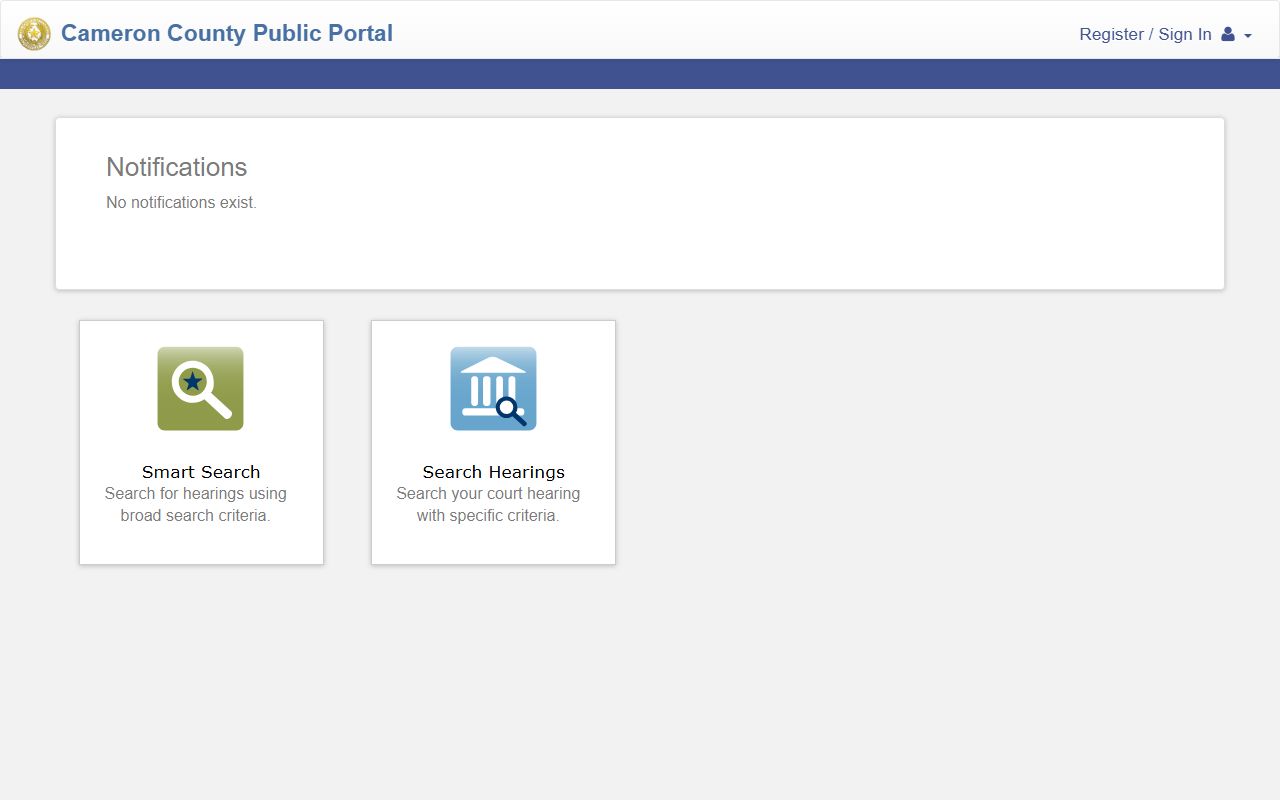
Because the portal is hosted by the county, it is a safer route to court records than a random search engine link for the same case.
- Name the case type: official record, district court file, county court file, probate, or marriage record.
- For district court cases, open the District Clerk page and pick the Tyler portal, re:SearchTX, Kofile, or iDocket.
- For county court, probate, or official records, start at the County Clerk side and its public access portal.
- Enter a party name, cause number, or document number, and add a date range to narrow the result.
- Request a certified copy from the correct clerk if you need the record for legal use.
Cameron County Court Records Search Fields
The County Clerk official records search uses a quick-search style form. You enter a search term, set a date range, and choose how the system reads your words. Index-only search works best for known names, document numbers, or document types. Full-text OCR search reads the words inside scanned images, but it can miss handwriting and poor scans. The fields below were observed on the public official records portal during research.
| Field Label | Type | Required | Notes / Format |
|---|---|---|---|
| Department | Dropdown / context label | No | Property Records shown by default. |
| Search Term | Text | No | Grantor or grantee name, subdivision, document type, or document number. |
| Date Range | Date fields | No | From and to fields filter by recorded date. |
| Recorded Date | Quick filter | No | Last 24 hours, 3 days, 1 week, 2 weeks, 1 month, 3 months, 6 months, or 1 year. |
| Search Index Only | Selector | No | Searches indexed data; two or more words are searched one by one. |
| Search Index & Full Text (OCR) | Selector | No | Searches document contents and index; multiple words read as a phrase. |
For court case portals such as Tyler Odyssey and re:SearchTX, the public search usually offers a party name field, a case or cause number field, a court or location filter, and a filing date range. Login may be needed for full document images on some tools.
Types of Cameron County Court Records
Court records here cover a wide span of case types. Each type tends to live with one court and one clerk. The County Clerk Civil Department states that private-party disputes over $5,000 and up to $1,000,000 are filed with the County Clerk. District civil files cover larger matters, personal injury, workers compensation, title and lien cases, and tax cases. Criminal files split too: felonies go to the District Clerk, while county court at law misdemeanors go to the County Clerk.
Family matters add another layer. Divorces, custody, child support, and adoptions usually route through district court. Adoption files are confidential under Texas law. The list below shows the main record groups and where each one sits.
- Civil records - district civil for larger suits; county civil for disputes over $5,000 up to $1,000,000.
- Criminal records - felony files at the District Clerk; misdemeanor county court at law files at the County Clerk.
- Family and divorce records - divorce, custody, child support, and adoption filed in district court.
- Probate records - wills, heirship, and guardianship through the County Clerk Probate Department.
- Traffic records - usually municipal or justice court files, by the agency that wrote the ticket.
- Juvenile records - restricted by the Texas Family Code; public access is limited.
Note: Jail and arrest records are separate from court files and are kept by the Sheriff or the arresting agency, not by the clerks.
What Cameron County Court Records Show
A Cameron County court record is built from many fields. The exact set depends on the court and the case type. Most files show who is involved, what was filed, when events happened, and how the case ended. District court cause numbers often follow a year-DCL-number format; one sheriff sale notice used 2019-DCL-04004-E as an example. Some details are redacted under state privacy rules, including Social Security numbers, full birth dates, driver license numbers, and information that identifies minors or victims.
The County Clerk and District Clerk pages link case search tools you can use to confirm fields before you request copies. The County Courts at Law page lists the judges, staff, and docket links for the lower civil and misdemeanor courts.
You can confirm which county court hears a misdemeanor or smaller civil case on the official county page. See the Cameron County Courts at Law page for the five county courts at law and their dockets.
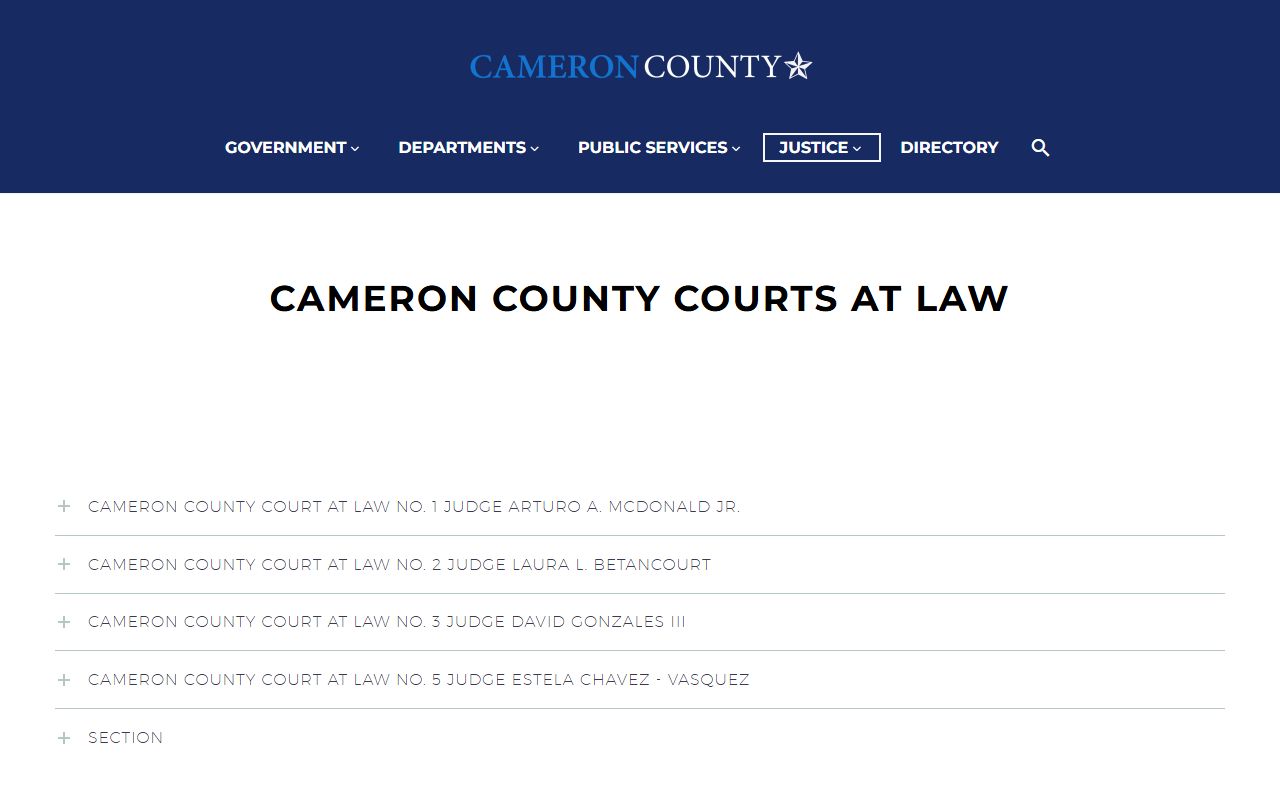
That page helps explain why a misdemeanor or a smaller civil suit shows up as a County Clerk record rather than a district court file.
| Field | What It Shows |
|---|---|
| Cause Number | The court's unique case number, often in a year-DCL-number format in district court. |
| Court | The numbered district court, county court at law, probate court, JP precinct, or municipal court. |
| Filing Date | When the petition, complaint, information, or application was filed. |
| Parties | Plaintiff and defendant, petitioner and respondent, or applicant and decedent. |
| Attorneys | Names, bar numbers, sides represented, appointed counsel, or pro se status. |
| Case Type | Civil, criminal, family, probate, guardianship, juvenile, tax, eviction, or traffic. |
| Docket Entries | A dated list of motions, orders, hearings, settings, and notices. |
| Disposition | The outcome: dismissed, judgment, plea, sentence, or pending. |
Public Access Framework for Cameron County Court Records
Public access in Texas is broad but not absolute. County offices such as the Sheriff and commissioners court fall under the Texas Public Information Act. Court case files work differently. They follow rules set by the courts, not the open records act. So a request for jail body camera footage is a public information request, while a request for a case file goes through the clerk's records process. The responsible office may ask for a written request, a copy fee, or a court order for restricted material.
A few statutes shape how these records are released. Texas policy favors open government records under Texas Government Code Chapter 552. Section 552.021 makes public information available during normal business hours. Section 552.0035 then carves out the judiciary, so access to court records follows rules adopted by the Supreme Court of Texas. The County Clerk also charges recording and copy fees under Local Government Code Chapter 118.
Anyone can ask for most court records. You do not need to give a reason. You may need to pay copy and certification fees, and you may need a court order for sealed material.
Note: A request for a court case file goes through the clerk, while a request for sheriff or county administrative records is a Public Information Act request.
Records That Are Sealed or Confidential in Cameron County
Some records are closed to the general public. Juvenile records are restricted under the Texas Family Code. Adoption records are confidential and usually need a court order. Sealed civil records follow Rule 76a, which requires a motion, notice, a hearing, and specific findings before a court will seal a file. Expunged and nondisclosed criminal records are limited by statute after the order is granted. Mental health and medical information is protected by state and federal law. Crime victim and family violence details, such as addresses, can be redacted.
To view a sealed record, a person with standing usually must file a motion in the court that holds the case. The court weighs privacy and safety against the public's right to know. The District Clerk lists an expunction contact at dcexpunctions@co.cameron.tx.us, and the County Clerk handles its own criminal expunction requests through its criminal department. For a deeper look at sealing and expunction, see the Cameron County arrest records page.
The statewide re:SearchTX portal also limits restricted documents. Public-facing results may show a case summary while sealed filings stay hidden.
The District Clerk links the statewide portal for court records search. View the re:SearchTX statewide court records portal to search participating Texas courts by party name or case number.
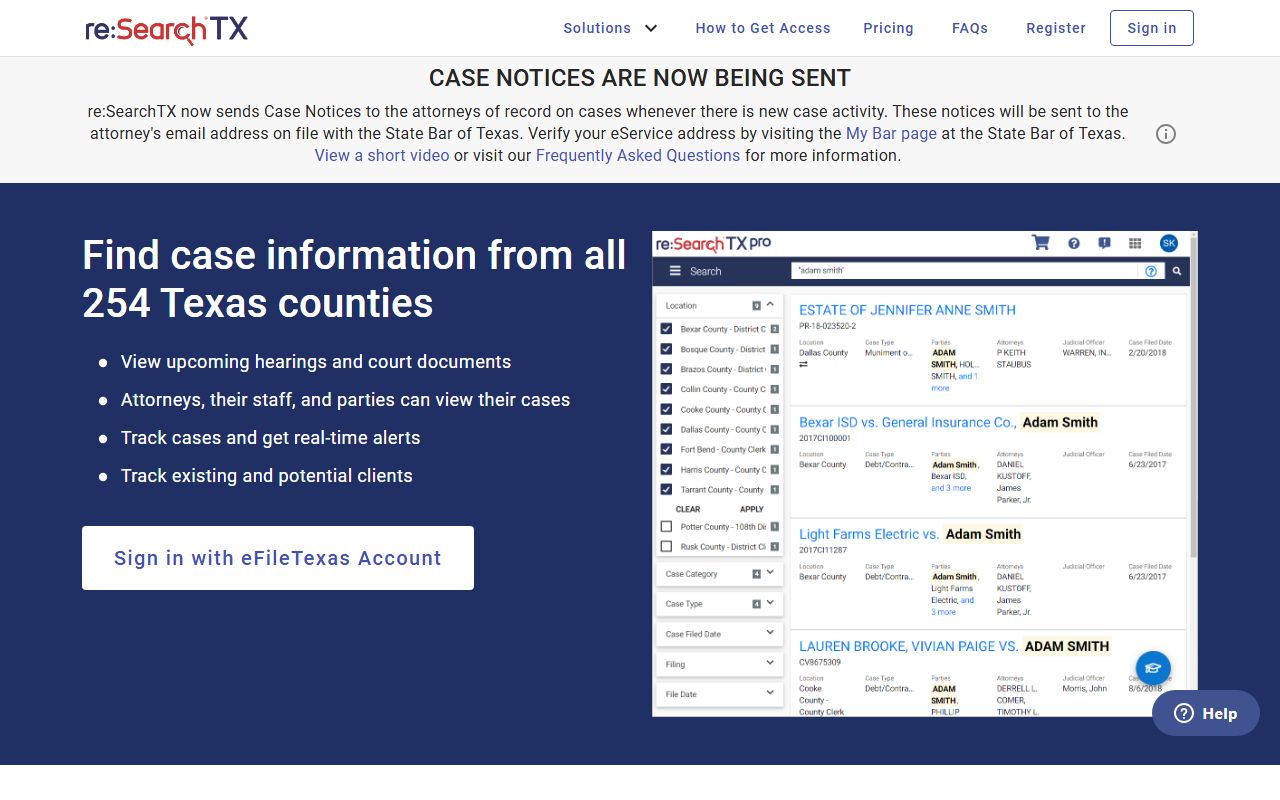
Because re:SearchTX pulls from many courts, narrow your search by court location so Cameron County cases rise to the top.
In-Person Court Record Requests
If a record is not online, or is too old for the portal, you can request it from the correct clerk. The District Clerk Records Department handles district court copy requests. Bring names, an approximate year, and a cause number if you have one. The County Clerk form supports searches by name, year, and cause number for county court and probate files. Both offices charge a search fee, plain copy fees, and certified copy fees. A certified copy is an official copy for legal use; a plain copy is fine for personal review.
Office of the District Clerk
974 E. Harrison St., 3rd Floor
Brownsville, TX 78520
Records: (956) 574-8130
Mon-Fri, business hours
Justice of the Peace courts handle the smaller cases. Fine-only matters, small claims, and evictions are JP files, and they move fast.
You can confirm which JP precinct hears a local matter on the official county page. See the Cameron County Justice of the Peace page for precinct courts and contacts.
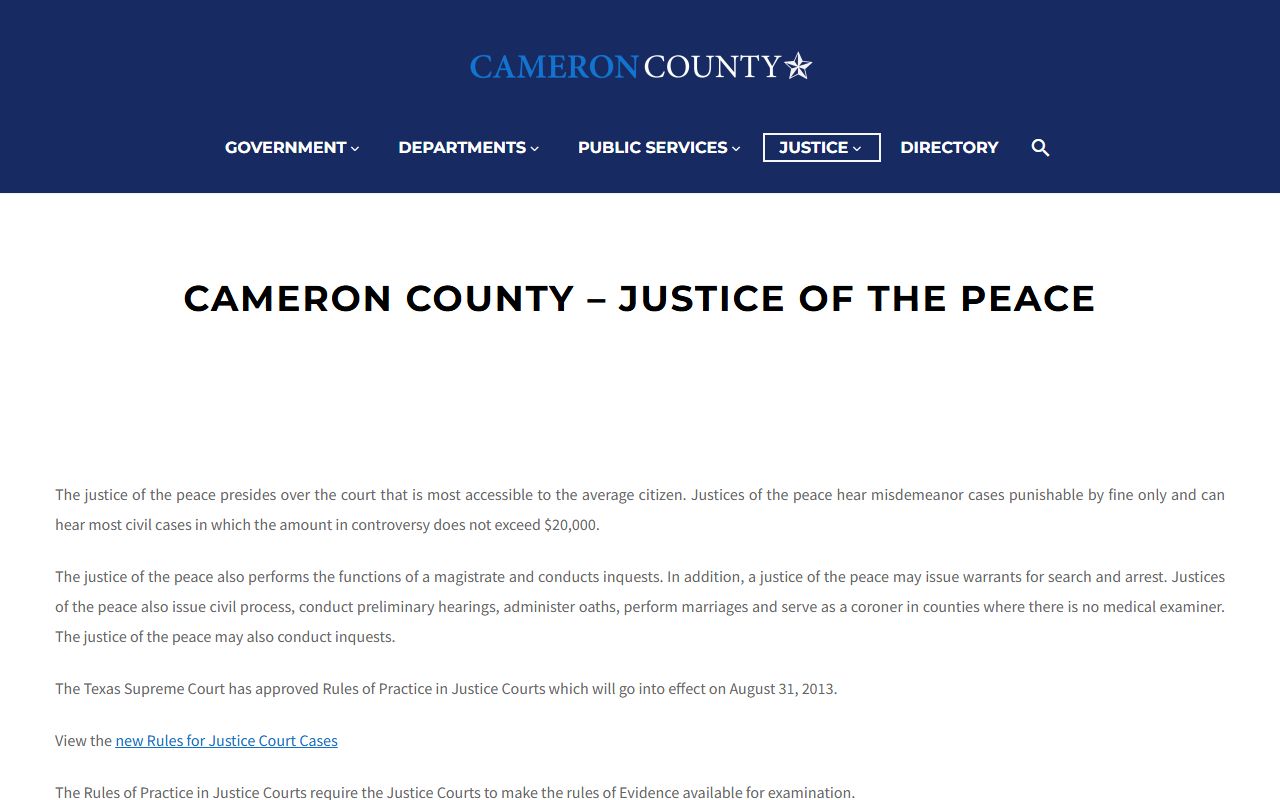
That page routes landlord-tenant, small claims, and fine-only citation questions to the right JP court rather than to the District Clerk.